The numbers tell an interesting story – 97% of customers find local businesses through online searches rather than other means. This makes your Google Business Profile optimization a powerful tool to stand out from competitors.
The data backs this up. Customers trust businesses 2.7 times more when they see complete Google Business Profiles. Your physical location plays the biggest role in local SEO rankings, but your customer reviews and relevance give you the real edge in search results. You might call it local SEO services or white label solutions – what matters is how well you handle GMB optimization.
The local 3-pack shows just three business listings at the top, and these spots bring lots of visitors to the featured businesses. This makes map pack visibility a crucial asset for your company. Your Google Business Profile does much more than list your business online – it builds your local search presence from the ground up.
A profile that shines with great ratings, fresh reviews, and real photos helps customers trust you right away. That’s why the lesser-known features of Google Business Profile optimization services can make a real difference to your local rankings as we look toward 2026 and beyond.
Why Google Business Profile Is More Than a Listing
Your Google Business Profile is the cornerstone of local search visibility. It’s more than just a listing – it’s your digital storefront that shows up right in Google’s ecosystem. The numbers tell the story: local searches make up almost half of all Google queries. Your GBP connects searching customers directly to your business.
How GBP Impacts Local Search Visibility
Your Google Business Profile optimization affects how your business shows up in three significant areas: the Knowledge Panel (information box on the right side of search results), the coveted Local Pack (map with three business listings), and Google Maps results. These spots are now the most valuable real estate in local SEO.
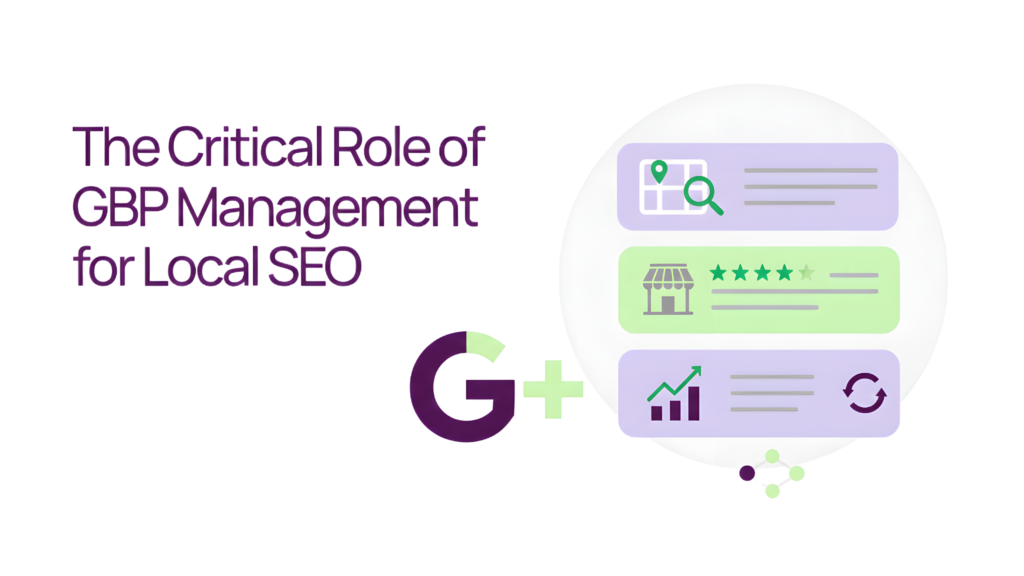
The local three-pack has become a game-changer for businesses that want to improve their Google Business Profile optimization. Users see the top three local businesses with map pins, reviews, and key details without clicking through to websites. Many local service providers now get more customers from this zero-click visibility than from their traditional website traffic.
Your GBP affects rankings in several ways:
- Google looks at your profile categories, services, reviews, photos, and how well they match other online mentions to understand your business
- Your local search visibility improves with regular updates, accurate information, positive reviews, and complete profiles
- Google trusts your business more when your profile stays active and complete
Businesses with complete and accurate profiles show up more often in local searches that matter. This explains why Google Business Profile optimization services are now vital for companies in competitive markets.
The Change From GMB To GBP
Google changed its Google My Business (GMB) name to Google Business Profile (GBP) in late 2021. This wasn’t just a new name – it marked a complete overhaul in how businesses manage their profiles. Google moved most management tools directly into Google Search and Maps instead of using a separate GMB dashboard.
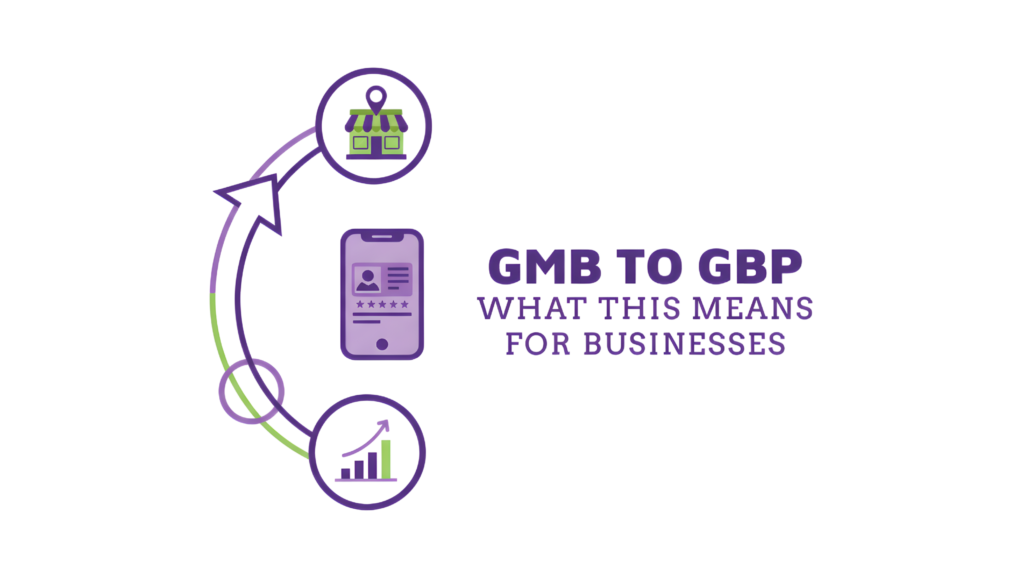
This update lined up with Google’s goal to make tools easier to use. You can now edit information, create posts, and respond to reviews right from search results by searching for your business while logged in. Managing your profile is now much more convenient.
The new GBP gets businesses to interact more with customers through regular posts and review responses. Google sees this interaction as a sign of trust and relevance, which could help you rank better in local searches.
Why Zero-Click Searches Matter
Zero-click searches might be the most important part of GBP. Users get everything they need—phone numbers, hours, or addresses—straight from your profile without visiting your website. While this means less web traffic, it leads to something better: phone calls, direction requests, and store visits.
Local packs have changed how people search. They don’t look for business names anymore. Instead, they search for services plus ‘near me’ and let Google suggest trusted options. Google’s data shows 46% of all searches have local intent, and ‘near me’ searches have grown by over 900% over the last several years.
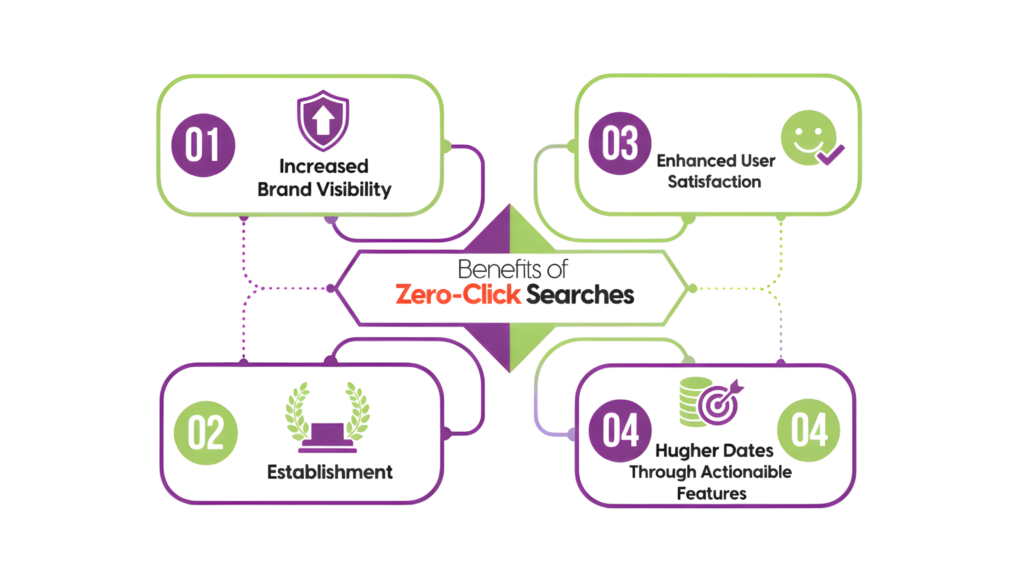
Most people never visit your website. They find you on Google Maps, read reviews, look at photos and hours, then call you directly. This makes proper Google Business Profile optimization crucial to attract these ready-to-buy customers.
Businesses that get these top spots through better profiles, consistent citations, and good reviews dominate their local market’s digital presence. Learning advanced GMB optimization techniques can boost your conversion rates, especially when you compete for affordable local seo services clients.
Your GBP has grown from a simple directory listing into a complete customer acquisition platform. It’s often the first and most meaningful impression people get of your business.
How to Set Up and Verify Your GBP Correctly
A complete, verified Google Business Profile is the lifeblood of effective local SEO. Your chances of appearing in the Local Pack increase by 70% with a complete profile compared to incomplete ones. The setup process has several significant steps you must follow to maximize your Google Business Profile optimization efforts.
Check For Existing Listings
You should check if your business exists on Google before creating a new profile. Google’s database often includes businesses automatically without owner involvement. Here’s how to check for existing listings:
- Sign in to your Google account at google.com/business
- Search for your business name and location
- Select your business if it appears in the dropdown results
- Create a new listing if no results appear
You can also search on Google Maps or Google Search using your business name and city. The listing might show “Claim this business” or “Own this business?” buttons if your business exists but hasn’t been verified by an owner.
Claim Or Create Your Profile
The process to claim an existing profile is straightforward:
Look for your business listing on Google Search or Maps and click “Own this business?” followed by “Manage now.” You’ll need to complete verification to gain full control of your profile.
If no listing exists:
- Visit business.google.com/create
- Click “Add your business to Google.”
- Enter your business name using proper Title Case capitalization
- Input your physical business address (cannot be a P.O. box)
- Specify whether you’re a storefront or service provider
- Select your primary business category carefully – this affects when and where your business appears in search results
Your primary category selection is vital for Google Business Profile optimization services because it determines your visibility for specific search queries. The most precise category that describes your core business offering should be your choice.
Verification Methods Explained
Verification becomes mandatory after claiming or creating your profile. You need this to make changes or access insights. Google provides several verification methods, though availability depends on your business type and location:
- Postcard verification: Most businesses receive a physical postcard at their address with a verification code. Delivery takes up to two weeks, with possible delays for international addresses.
- Phone or SMS verification: This quickest option, sending a 5-digit code via call or text to your business phone, if available.
- Email verification: Some businesses qualify to receive a code through their business email.
- Video verification: A newer option needs an unedited video (minimum 30 seconds) showing your business location, signage with the business name, and proof of management.
- Instant verification: This might be available if your business website is already verified in Google Search Console.
- Bulk verification: This works for businesses with 10+ locations.
Your business information should remain unchanged during verification to avoid resetting the process. Full management rights become available after verification – you can update hours, respond to reviews, create posts, and use advanced GMB optimization tactics.
A verified, complete profile is a great way to get substantial map pack visibility tips for businesses looking for affordable local seo services. Note that your profile acts as your digital storefront in local search results, sending strong trust signals to both Google and potential customers.
Hidden Features That Influence Rankings
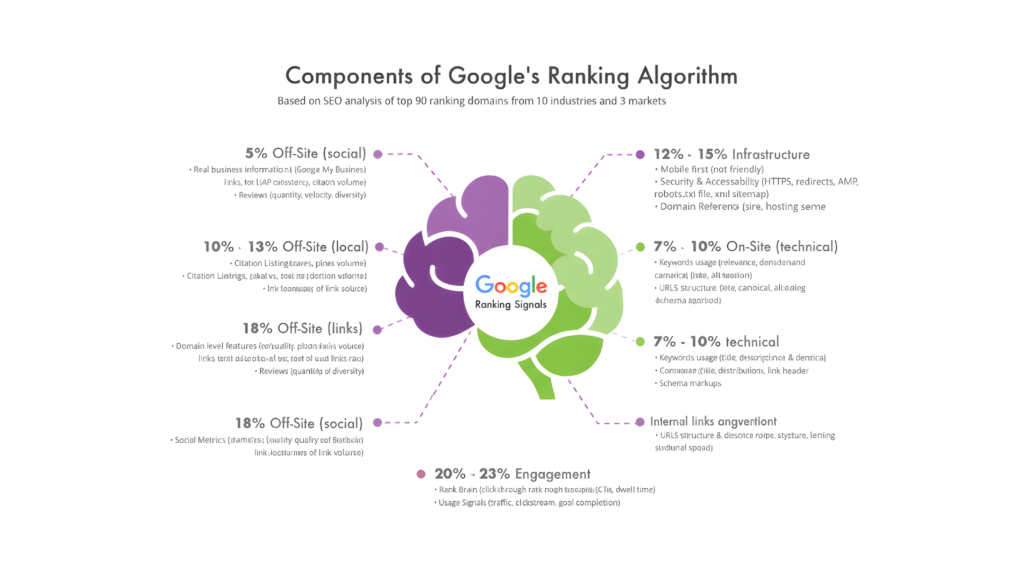
Your Google Business Profile has several powerful but often overlooked features beyond initial setup and verification. These hidden tools can dramatically boost your local search rankings. You can build trust, connect with customers, and signal activity to Google’s algorithm.
Google Posts for Weekly Engagement
Your Google Business Profile stays fresh and engaging through regular posting. These posts show up directly on your profile in Search and Maps. Potential customers can see them without visiting your website.
You can create different types of posts:
- Updates to share business information
- Offers for promotional sales or special deals
- Events to promote upcoming activities at your business
Each post can include text, photos, or videos along with action buttons that direct customers to your website. Posts older than six months are automatically archived, which shows why consistent updates matter.
Your Google Business Profile optimization works best when you create at least one post weekly. Businesses posting regularly see higher engagement rates. Users become 42% more likely to request directions and 35% more likely to click through to websites when compelling photos appear.
Q&A Section As A Trust Builder
Anyone can ask questions about your business on your profile’s Questions & Answers feature. Either you or other users can answer these questions. This often-overlooked section takes up substantial space in your Knowledge Panel and can greatly affect potential customers’ perceptions.
This feature becomes particularly powerful for Google Business Profile optimization services because you can post your own frequently asked questions and answer them right away. This strategy:
- Clarifies services and addresses potential concerns before they arise
- Shows responsiveness and expertise
- Controls your business narrative
- Saves time for both customers and your support team
However, monitoring becomes important since anyone can answer questions about your business. Unanswered or incorrectly answered questions can become reputation management issues. You can promptly address new questions or incorrect information by setting up notifications for this section.
Attributes And Amenities For Filtered Searches
Business attributes showcase specific features of your establishment that help you stand out in filtered searches. Google keeps adding new attributes that directly affect when and where your business appears in search results.
These attributes fall into several categories:
- Accessibility (wheelchair access, hearing assistance)
- Payment options (credit cards accepted, contactless payment)
- Service options (delivery, takeout, dine-in)
- Amenities (Wi-Fi, outdoor seating)
- Identity attributes (women-owned, veteran-owned, etc.)
Adding relevant attributes can trigger your profile to appear in specific searches like “women-owned businesses near me” or “restaurants with outdoor seating”. These attributes also appear as eye-catching icons in mobile search results, making them one of the most effective GMB optimization tactics.
Special Hours And Holiday Updates
Your profile shows active management when you set special hours for holidays and events. A reassuring green checkmark replaces the dreaded “hours may vary” warning when you confirm your holiday hours, even if they match your regular schedule.
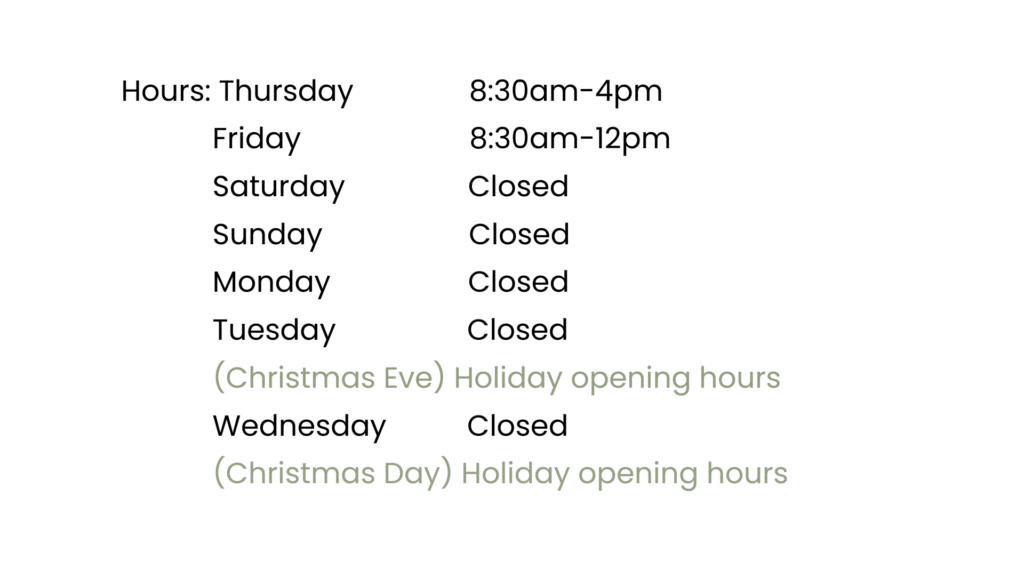
To set special hours:
- Access your Business Profile
- Go to the “Hours” section
- Select “Add special hours.”
- Enter the affected dates and adjusted times
This feature becomes valuable during busy holiday seasons when search volume peaks. Affordable local seo services can maximize seasonal visibility by combining special hours updates with Google Posts announcing holiday promotions.
Each properly used feature strengthens your local search signals for effective Google Business Profile optimization. Your chances of appearing in valuable map pack positions improve, which drives calls, direction requests, and in-store visits.
Visual Content That Drives Clicks and Calls
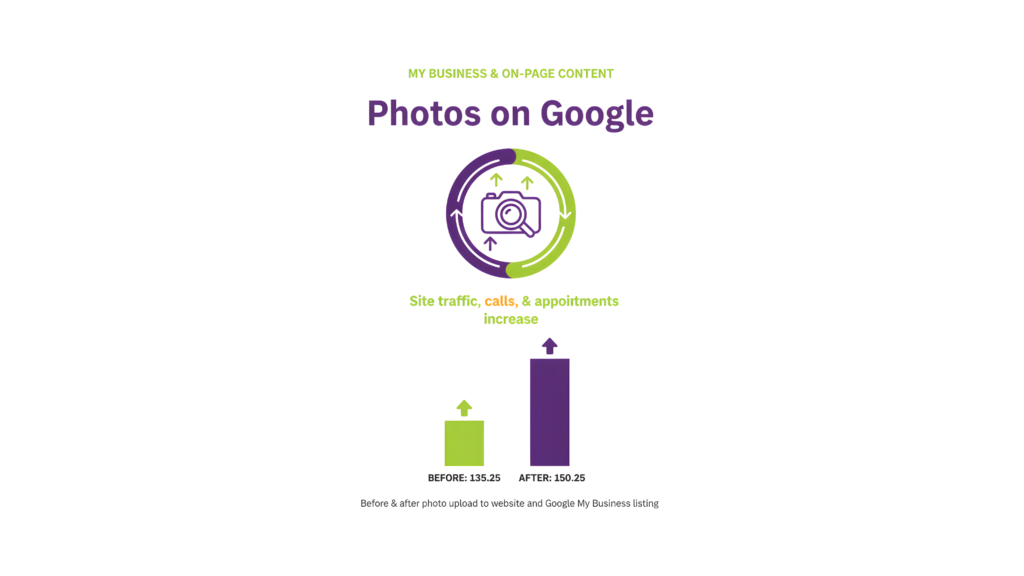
Your digital storefront’s front window display is your visual content. Businesses that use photos get 42% more direction requests and 35% more website clicks than those without visuals. A well-optimized visual content is vital for Google Business Profile optimization.
Types of Photos To Upload
The right photos can reshape the scene of your profile’s performance. Here are the must-have categories that encourage engagement to maximize results:
- Logo and cover photos: Your logo shows up in search results as your first digital impression, and your cover photo takes up prime real estate in local search results.
- Exterior and interior photos: You need at least three exterior shots to help customers spot your location from different angles. Interior photos show off your atmosphere and professionalism.
- Product or service photos: High-quality images of your products or before-and-after transformation shots show what you can do and help customers understand what you offer.
- Team photos: These make your brand more human by showing the people behind your business. This builds trust and helps potential customers relate to you.
Your Google Business Profile optimization services work better when all images are well-lit, professionally shot, and true to your business. Stay away from stock photos—Google might reject them or flag them as duplicate content.
Why Videos Increase Engagement
Videos have become a game-changer for map pack visibility. Videos get clicked twice as often as images and lead to 20% more conversions. This extra engagement helps your ranking in local search results.

Videos that show real people talking about your products or services work best. You might want to create:
- 30-second virtual tours of your facility
- Brief team introductions about your expertise
- Customer testimonials about their good experiences
- Short product demonstrations
The technical stuff matters too. Keep your videos under 30 seconds, with a file size under 75MB and at least 720p resolution. Quality comes first—the visual movement alone grabs attention and makes users stop scrolling, even without sound.
How Often Should To Update Your Gallery
Google business profile optimization works when you stay consistent. You should add new photos at least monthly to show Google you’re actively managing your profile. Businesses like restaurants, salons, and retail shops should post new content weekly or every other week.
Here’s a good schedule to follow:
- Weekly: New product shots or behind-the-scenes content
- Monthly: Updated exterior shots or seasonal decorations
- Quarterly: Detailed interior updates
On top of that, it helps to match your visual content with local events, holidays, and seasons. This shows Google that your business stays active and connected to your community.
Your visual content shapes customer decisions before they even reach out to you. These visual optimization techniques will help your business show up more in local search results—making it one of the most cost-effective local seo services investments available.
Advanced Optimization Tactics for Local SEO
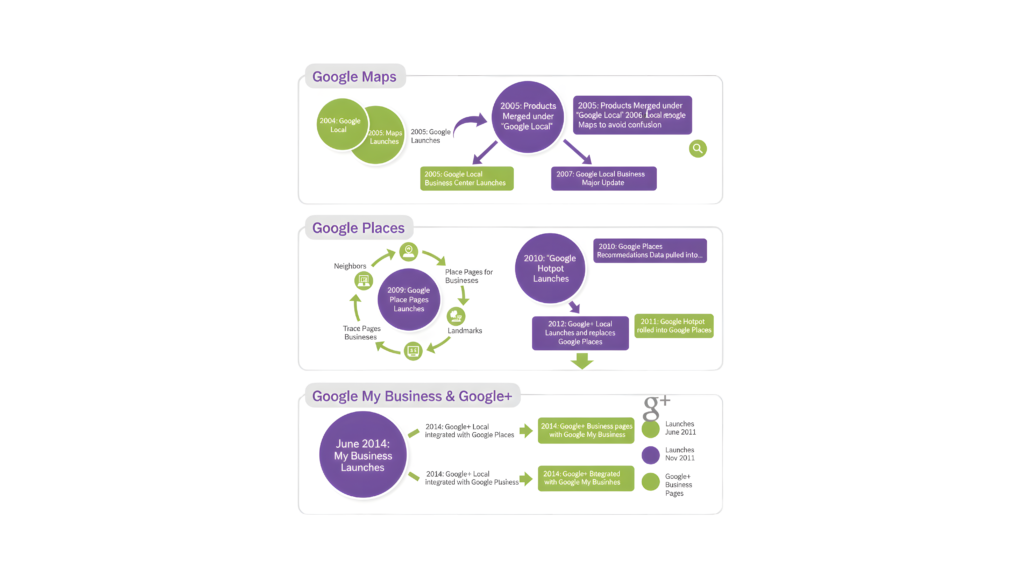
Advanced technical tactics can improve your local search performance beyond standard optimizations. These methods give businesses a competitive edge when used properly.
Using UTM Links To Track GBP Traffic
Your Google Business Profile traffic shows up as either “direct” or “organic” in Google Analytics without UTM tracking. This makes it impossible to measure your profile’s real effect. Adding UTM parameters to your profile links helps you:
- Separate GBP traffic from regular organic results in Analytics
- Track which specific GBP elements drive the most visits
- See search phrases that triggered local organic results in Search Console
The quickest way to structure UTM parameters is: ?utm_source=google&utm_medium=organic&utm_campaign=gbp&utm_content=profile
This combination will attribute traffic correctly while keeping it in your organic channel grouping.
Schema Markup For Local Business
Schema markup acts as a translator between your website content and search engines. Local businesses can improve how search engines interpret their sites by using the LocalBusiness schema.
A well-laid-out schema can tap into rich results like review stars, FAQs, and business information directly in search results. This markup helps:
- AI systems deliver accurate business information
- Generate eye-catching search features that increase clicks
- Support voice search capabilities
Structured data creates the framework that connects your website with your Google Business Profile optimization efforts.
Voice Search And Mobile-First Readiness
Approximately 46% of voice queries look for local information. Your voice search optimization should:
- Use natural, question-based language in content
- Target “near me” queries that drive local voice searches
- Keep your Google Business Profile optimization complete with address, hours, and category details
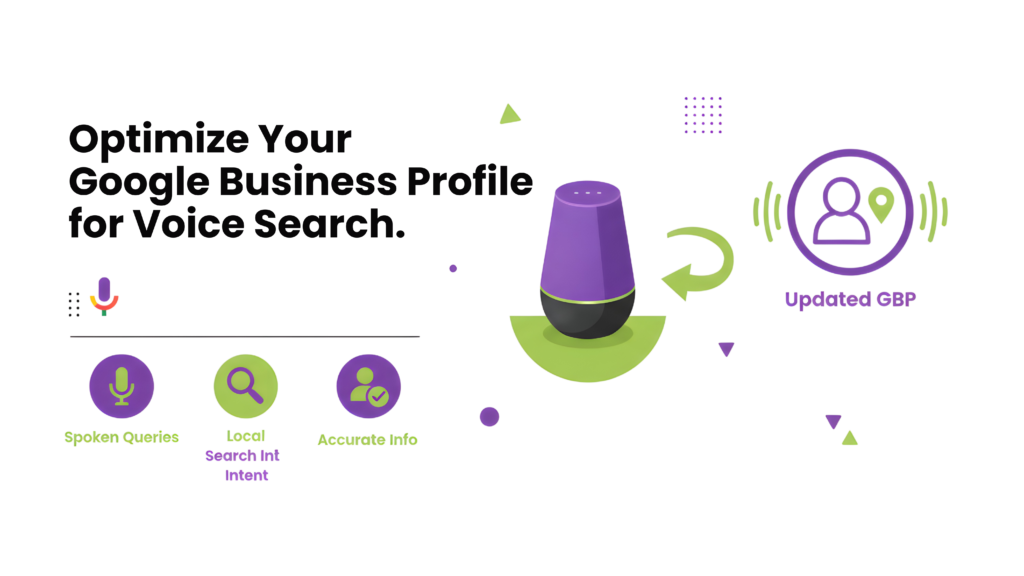
Mobile optimization plays a crucial role since most voice searches happen on mobile devices. Your rankings in voice search results depend on fast loading speeds and a responsive design.
Integrating GBP with Google Ads
Your Google Business Profile optimization connected to Google Ads makes use of powerful location extensions. These show your business address next to advertisements. The integration lets you:
- Create location-specific campaigns
- Target precisely based on physical location
- Get more accurate ad performance reports
Verification plays a key role in maximizing this integration. Unverified locations work in ads, but you need verified listings to access online-to-offline reporting features.
These advanced tactics offer great value to businesses looking for affordable local seo services. They need minimal investment beyond time and technical knowledge.
Tracking Performance and Making Improvements
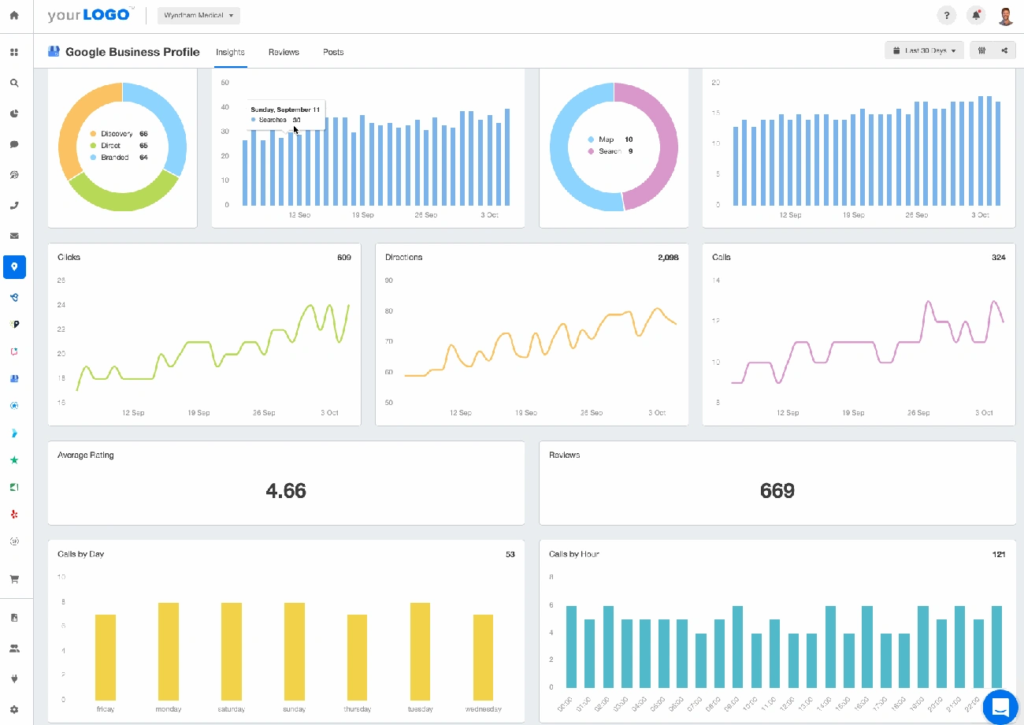
Your Google Business Profile works better when you measure and improve it regularly. Looking at performance numbers helps you fine-tune your strategies and show up more in local searches.
Understanding GBP Insights
Google Business Profile insights are a great way to get data about how customers find and use your listing. These numbers show how people use Search and Maps to find your profile and what they do next. While Google Analytics tracks overall website traffic, GBP insights show you how many “hot leads” find your business through local search. Google has started moving from Insights to Business Profile Reporting, which gives you even more complete data.
What Metrics To Monitor Weekly
These metrics make the biggest difference:
- Profile interactions – The total summary of all customer engagement
- Customer actions – Website clicks, direction requests, and calls
- Search queries – Terms people use to find your business
- Visual content performance – Views on photos and posts
You should check these numbers at least monthly, but weekly checks help you spot patterns in customer behavior faster.
How To Adjust Based On Data
When you spot trends, make specific improvements. High-profile views but low website clicks mean you should update your business description or add better photos. Fewer direction requests might mean you need to check your address accuracy. You can also add UTM parameters to your profile links to track GBP traffic separately in Google Analytics. This helps you track GBP keyword rankings and see how they affect your conversions over time.
Conclusion
Your Google Business Profile is more than just another online listing—it’s the lifeblood of your local SEO strategy. This piece shows how GBP optimization can reshape the scene of your local search visibility and drive real-life customer actions.
Businesses that use these hidden features have the most important competitive edge. Local search visibility needs constant attention as Google’s algorithms and competitor strategies evolve. You can be proactive and capture more valuable “near me” searches that drive foot traffic and phone calls by using the advanced tactics above.
GBP optimization might seem daunting at first, but your business will benefit from the rewards. Every improvement increases your chances of appearing in the coveted local pack. This puts your business right in front of high-intent local customers when they search for your services.
Want to take your local SEO to the next level? RankFast’s local SEO services can help you implement these advanced GBP strategies. Our white label local SEO services ensure your website perfectly complements your Google Business Profile efforts.
Start maximizing your local search potential today!
FAQs
Q1. How can I optimize my Google Business Profile to improve local search rankings?
To optimize your Google Business Profile, verify your business, keep your hours up-to-date, respond to reviews promptly, add high-quality photos and videos, and include relevant information about your products or services. Focus on improving your relevance, distance, and prominence factors to boost your local search visibility.
Q2. What are some effective ways to promote my local business on Google?
Promote your local business on Google by setting up an ad campaign for your Business Profile on Google Maps. Use the Google Maps app on your mobile device, tap on “Business” at the bottom right, select “Advertise,” and follow the on-screen instructions to create your ad. This can help increase your visibility to potential local customers.
Q3. How can I increase engagement on my Google Business Profile?
To boost engagement, regularly post updates about your business, respond promptly to customer reviews and questions, add new photos and videos frequently, and ensure your business information is always accurate and up-to-date. Encouraging customers to leave reviews and interacting with their feedback can also significantly increase profile engagement.
Q4. What are some advanced tactics for local SEO using Google Business Profile?
Advanced local SEO tactics include using UTM links to track traffic from your profile, implementing LocalBusiness schema markup on your website, optimizing for voice search with natural language content, and integrating your Google Business Profile with Google Ads for location extensions. These strategies can give you a competitive edge in local search results.
Q5. How should I track and improve my Google Business Profile performance?
Monitor key metrics weekly, such as profile interactions, customer actions (website clicks, direction requests, calls), search queries, and visual content performance. Use Google Business Profile insights or the new Business Profile Reporting to access this data. Based on the trends you observe, make targeted improvements to your profile, such as updating your business description, adding compelling photos, or verifying your address accuracy to enhance your local search performance.
Leave a Reply